

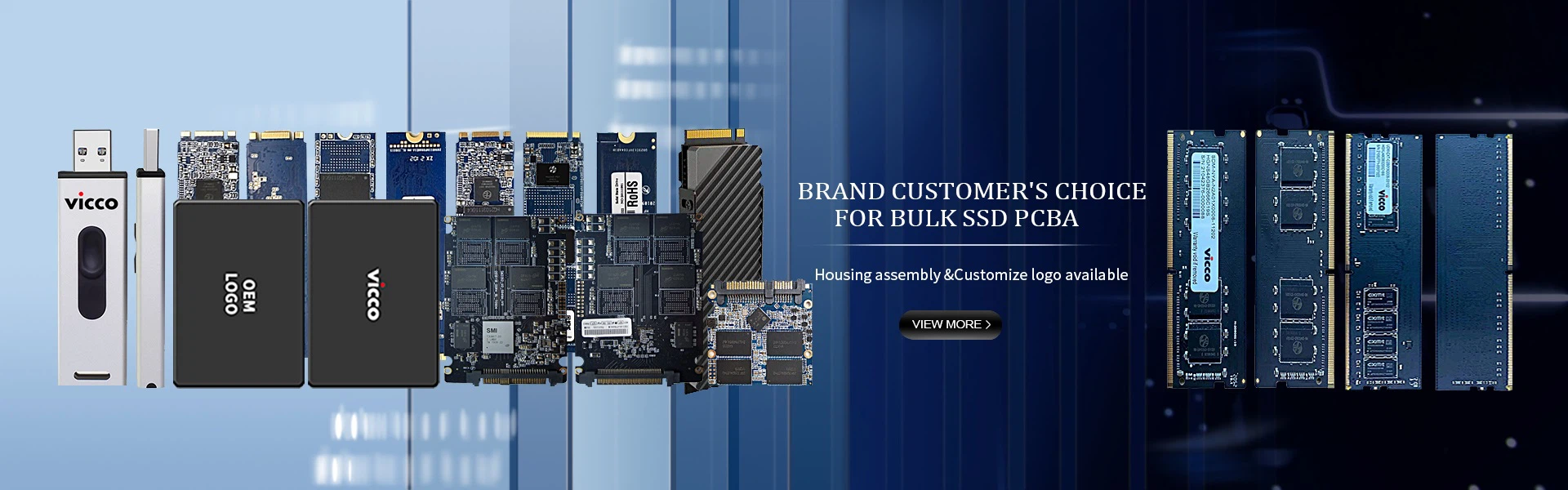
What are the types of solid-state drives?
May 29, 2023
What are the types of solid state drives
(1) According to the interface
1. SATA 3.0 interface
As the most common interface, solid-state drives with SATA 3.0 interfaces have higher cost performance. Compared to the previous generation of SATA 2.0, SATA 3.0 can deliver up to 6GB/S.
2. MSATA interface
The MSATA interface is also called the [MiniSATA] interface. The SSD that uses the MSATA interface is much smaller than the SSD that uses the SATA 3.0 interface. Because of their size, SSDS with MSATA interfaces are commonly used in thin and light notebooks, and their transfer speed and stability are no different than those with SATA 3.0 interfaces.
3, M.2 to the door
Solid state drives with M.2 interfaces have the advantages of small size and strong performance. At present, the mainstream motherboard and M.2 interface solid state drives support PCI-E 3.0 X 4 channels, theoretical bandwidth up to 32Gbps, performance is very outstanding.
4. PCI-E interface
Pcle-interface SSDS can only be used in desktop computers. Pcle-interface SSDS are directly connected to the CPU through the bus, and have better performance than M.2 interface SSDS, but the price is higher and the applicability is lower.
In addition, SSDS also have SATA-express, SAS, U.2 and other interface types.
According to the storage medium
Solid state disk storage media is divided into two kinds, one is the use of FLASH memory (FLASH chip) as the storage medium, the other is the use of DRAM as the storage medium and the latest Intel XPoint particle technology
1. Flash-based solid-state drive (IDEFLASH DISK, SerialATA Flash Disk): Flash-based solid-state drive (SSD) uses FLASH chip as storage medium, which is also commonly known as SSD. Its appearance can be made into a variety of shapes, such as: laptop hard disk, micro hard disk, memory card, U disk and other styles. The biggest advantage of this kind of SSD is that it can be moved, and the data protection is not controlled by the power supply, can live in a variety of environments, suitable for individual users to use, long life, high reliability, high-quality household solid state drive can easily reach the failure rate of ordinary household mechanical hard disk one
2. Based on DRAM class
DRAM - based solid state drives: DRAM is used as storage medium, which has a narrow application range. It mimics the design of traditional hard disks, can be used by most operating system file system tools for volume Settings and management, and provides industry standard PC and FC interfaces for connecting to hosts or servers. The application mode can be SSD and SSD disk array. It is a kind of high performance memory, in theory can be written indefinitely, the fly in the air is the need for independent power to protect the data security. DRAM solid-state drives are among the less mainstream devices
3. Based on the 3D XPoint class
3D XPoint-based solid state drives: close to DRAM in principle, but non-volatile. Read latency is extremely low, can easily reach 1 percent of existing solid state drives, and aims at near infinite storage life. The disadvantage is that the density is relatively low NAND, the cost is extremely high, and it is mostly used in the burner level desktop and data center.
Ii. The internal structure of solid state drive
A simple summary: solid state drive =PCB board + main control chip + cache particle + flash chip
The internal structure of a solid state drive is very simple. The main body of a solid state drive is actually a PCB board, and the most basic accessories on this PCB board are the control chip, the cache chip (some low-end hard drives have no cache chip) and the flash memory chip for storing data
1. PCB board
Mainly responsible for the board components, external computer hardware for data interaction
2. Main control chip
Common SSDS on the market include LSISandForce, Indilinx, JMicron, Marvell, Phison, Sandisk, Goldendisk, Samsung, lnte and other main control chips. The main control chip is the brain of the SSD. Its function is to reasonably allocate the load of data on each flash memory chip, and to assume the whole data transfer, connecting the flash memory chip and external SATA interface. The capability difference between different masters is very large, in the data processing capacity, algorithm, flash memory chip reading and writing control will be very different, which will directly lead to solid-state disk products in the performance gap as high as several times.
3. Cache particles
Next to the main control chip is the cache particle. Like the traditional hard disk, the SSD needs a high-speed cache chip to assist the main control chip in data processing. The capacity of cache particles is much smaller than that of the flash memory particles on the later PCB board, but the read/write speed is much faster. The computer preferentially uses cache particles to read and write hard disks. However, in order to save costs, some solid-state disk solutions omit this cache chip, which will have a certain impact on the performance of the use, especially the read and write performance of small files and service life
On life.
4. Flash memory chip
In addition to the master chip and the cache chip, Most of the rest of the PCB board is NAND FIash Flash chip NAND Flash flash chip is divided into SLC (Single-Level Cel, Single layer Cell), MLC (Multi-Level Cel, double layer Cell), TLC(Trinary Level Cell, three layer cell), QLC (Quad-Level cell, four layer cell) these four specifications.
There is also an eMLC (Enterprise Muti-Level Cel), an "enhanced" version of MLC NAND flash, which goes some way to bridging the performance and durability gap between SLCS and MLCS


