

What is an SSD?
May 29, 2023
1. Similarities between SSD and mechanical hard drives
Solid-state drives and USB flash drives use the same type of nonvolatile memory chips that retain information in the event of a power outage. The difference is the size and capacity of the drive. Flash drives are designed to be located outside the computer system, while SSDS are designed to be located inside the computer in place of more traditional mechanical hard disks.
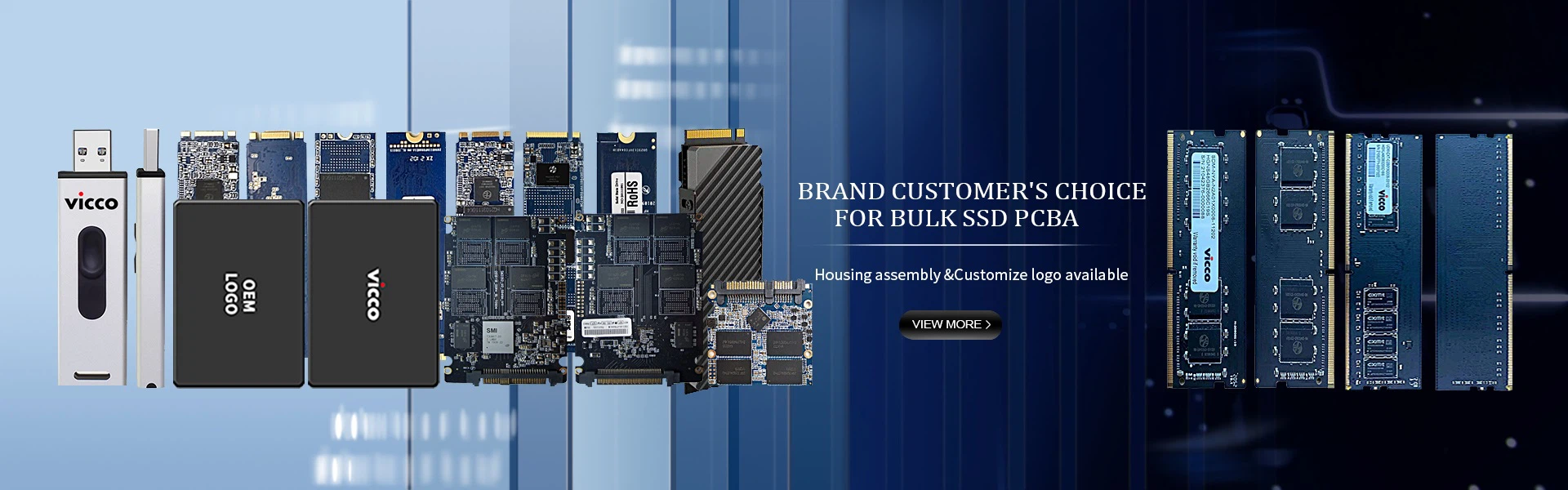
Many SSDS look almost identical to mechanical hard drives. This design allows SSDS to be put into laptops or desktop computers instead of mechanical hard drives. For this, it needs to have the same standard size as a 1.8-inch, 2.5-inch, or 3.5-inch mechanical hard drive. It also uses a universal SATA interface, so it can fit into any PC as easily as a hard drive. There are several new form factors, such as M.2, that look more like a memory module.
Two, Why use solid-state drives?
Solid-state drives offer several advantages over mechanical hard drives. First, SSDS have no moving parts. While magnetic drives use a drive motor to rotate the disk and drive heads, all storage on a solid-state drive is handled by a flash chip.
Power consumption is a key role when using solid-state drives in portable computers. Because the motor consumes no power, the drive uses less energy than a regular hard drive. The industry has taken steps to address this discrepancy through drive deceleration and the development of hybrid hard drives. However, both use more power. Solid-state drives consistently consume less power than magnetic and hybrid hard drives.
Since the drive does not rotate the drive platter or move the drive head, reading data from the drive is faster. Hybrid hard drives tend to reduce the impact in terms of speed when it comes to frequently used drives. Similarly, Intel's new Smart Response technology is a similar approach that can be cached on small solid-state drives to produce similar results.
3. Solid state Drives provide reliability
Reliability is also a key factor in portable drives. Hard drive platters are fragile and sensitive. Small vibrations caused by a short descent may destroy the drive. Because SSDS store their data in memory chips, fewer moving parts are damaged in a crash. While mechanically, SSDS are better, they have a limited lifespan. This is because a fixed number of write cycles can be completed on the drive before the cell becomes unavailable. For most consumers, however, write cycle limits often allow drives to last longer than normal computer systems.
4. Why don't all PCS use solid-state drives?
As with most computing technologies, the main limiting factor for using SSDS in laptops and desktops is cost. These drives have been available for a while, and prices have come down. But these costs are roughly three times or more than traditional mechanical hard drives for the same storage capacity. The larger the disk capacity, the greater the cost difference.
Capacity is also a factor in the adoption of SSDS. The average laptop with a solid-state drive has about 512 GB to 1 TB of storage. That's roughly equivalent to a laptop with a magnetic drive a few years ago. Today, laptop hard drives can provide several terabytes of storage. The gap between desktop systems and mechanical hard drives is even wider, especially the price of large capacity SSDS.
Even with the capacity differences, most computers have more storage capacity than previous models. Only a large number of raw digital photo files and high-definition video files are likely to fill up the hard drive quickly. As a result, solid-state drives generally provide adequate storage levels for most laptop computers. In addition, high-performance external options from USB 3.0, USB 3.1, and Thunderbolt can quickly and easily add additional storage space to store non-essential files via an external hard drive.


